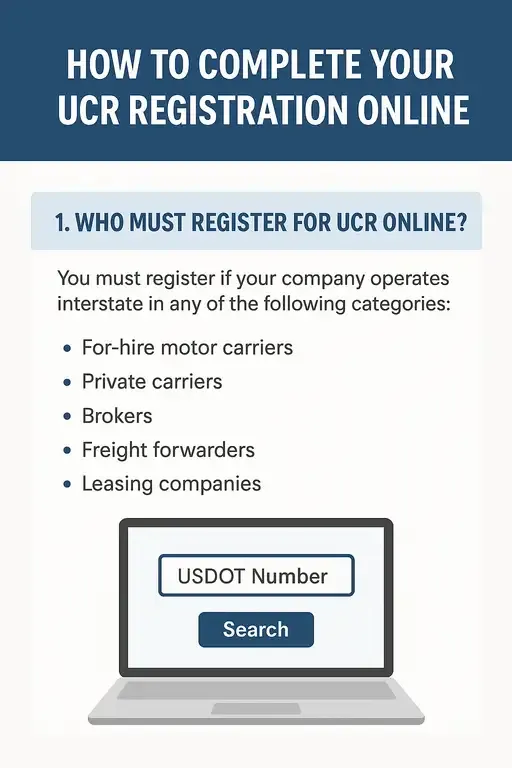
1. Who Must Register for UCR Online?
You must register if your company operates interstate in any of the following categories:
-
For-hire motor carriers
-
Private carriers
-
Brokers
-
Freight forwarders
-
Leasing companies
If you operate solely within one state (intrastate), you generally do not need UCR unless your state requires it for certain carriers.
2. What You Need Before Starting the Online Registration
Prepare these items to avoid delays:
-
USDOT number
-
MC number (if applicable)
-
Legal business name & address
-
EIN or SSN
-
Number of commercial motor vehicles operating in interstate commerce
-
Payment method (credit card or bank account)
3. Use ONLY the www.fmcsa.me
4. Step-by-Step: How to Complete UCR Registration Online
Step 1: Search for Your USDOT Number
Enter your USDOT number so the system can pull your company’s information.
Step 2: Select Your Base State
Your base state is usually:
-
Your home state if it participates in UCR
-
If not, you will choose a neighboring state as your base state
Step 3: Enter Fleet Size
Enter the number of commercial motor vehicles that operated interstate during the previous year.
This number determines your UCR fee bracket.
Step 4: Confirm Company Information
Verify:
-
Business name
-
Address
-
Contact details
-
Operating status
Update anything that is incorrect.
Step 5: Choose Your Payment Method
You may pay with:
-
Credit/debit card
Step 6: Submit Your Application
Once submitted, you will receive:
-
A confirmation screen
-
A receipt sent via email
You do not receive a certificate to carry in the truck. UCR is registered electronically and visible to enforcement officers.
5. UCR Fees Based on Fleet Size
There are 6 fee brackets, depending on the number of commercial vehicles your company operates:
-
0–2 vehicles
-
3–5 vehicles
-
6–20 vehicles
-
21–100 vehicles
-
101–1,000 vehicles
-
1,001+ vehicles
Fees are updated annually, so check the current year’s rate when registering.
6. Deadlines and Renewal Requirements
-
UCR must be renewed every year.
-
Registration opens on October 1 for the upcoming year.
-
Enforcement typically begins on January 1.
Failing to renew can lead to:
-
Fines
-
Stop orders
-
Delays at weigh stations
-
Possible registration holds
7. Common Mistakes to Avoid
-
Using fake “UCR registration” websites
-
Entering the wrong number of vehicles
-
Failing to update company information in USDOT first
-
Missing the renewal deadline
8. After Completing Registration
You don’t need a physical document in your truck. Compliance is stored electronically and shown in the nationwide enforcement system.