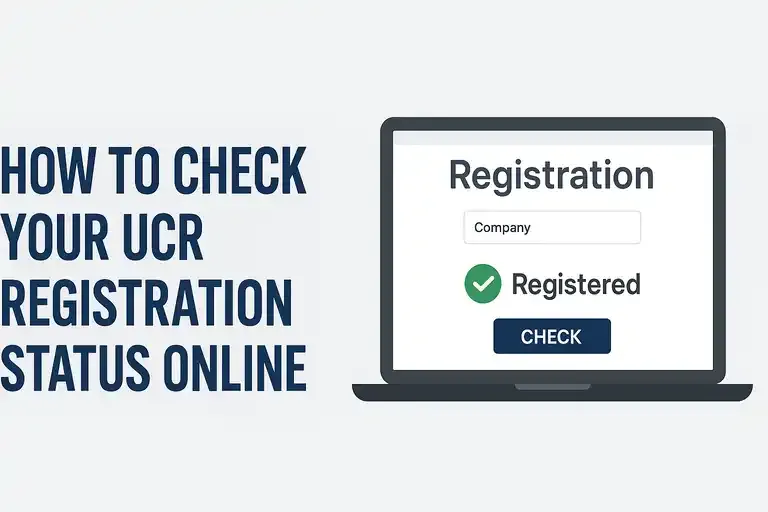
1. Go to the UCR Website https://www.fmcsa.me/
This is the only portal for:
-
Viewing current-year registration
-
Checking past-year filings
-
Confirming compliance for roadside inspections
2. Click on “Registration Status”
On the homepage, you’ll see a tab or button labeled “Registration” or “Registration Status.”
Select this option to begin checking your compliance.
3. Enter Your Company Information
To look up your UCR record, you will need one of the following:
-
USDOT Number (recommended)
-
MC/MX Number
-
Company name and state
Entering your USDOT number usually gives the fastest and most accurate results.
4. View Your Current UCR Status
After submitting your information, you’ll see one of the following results:
Registered (Compliant)
This means your UCR has been successfully filed and processed for the current year.
Not Registered
This means you are not compliant and may face:
-
Fines
-
Penalties
-
Roadside enforcement issues
-
Possible out-of-service orders depending on state enforcement
Registration Pending
If you recently filed, your payment may still be processing.
5. Download or Print Your UCR Receipt
Once confirmed as registered, you can download a PDF copy showing:
-
Company name
-
USDOT number
-
Registration year
-
Payment confirmation
Keep this receipt:
in your files
in your truck’s compliance binder
for audits or inspections
6. If Your UCR Is Not Registered
If the portal shows “Not Registered,” you should file immediately through:
Filing early helps avoid delays and enforcement penalties.
Why Checking UCR Status Matters
-
Law enforcement scans carriers electronically through license plate readers and USDOT databases.
-
State agencies issue costly fines for operating without UCR.
-
Checking your status ensures your fleet stays compliant year-round.